 eKhajana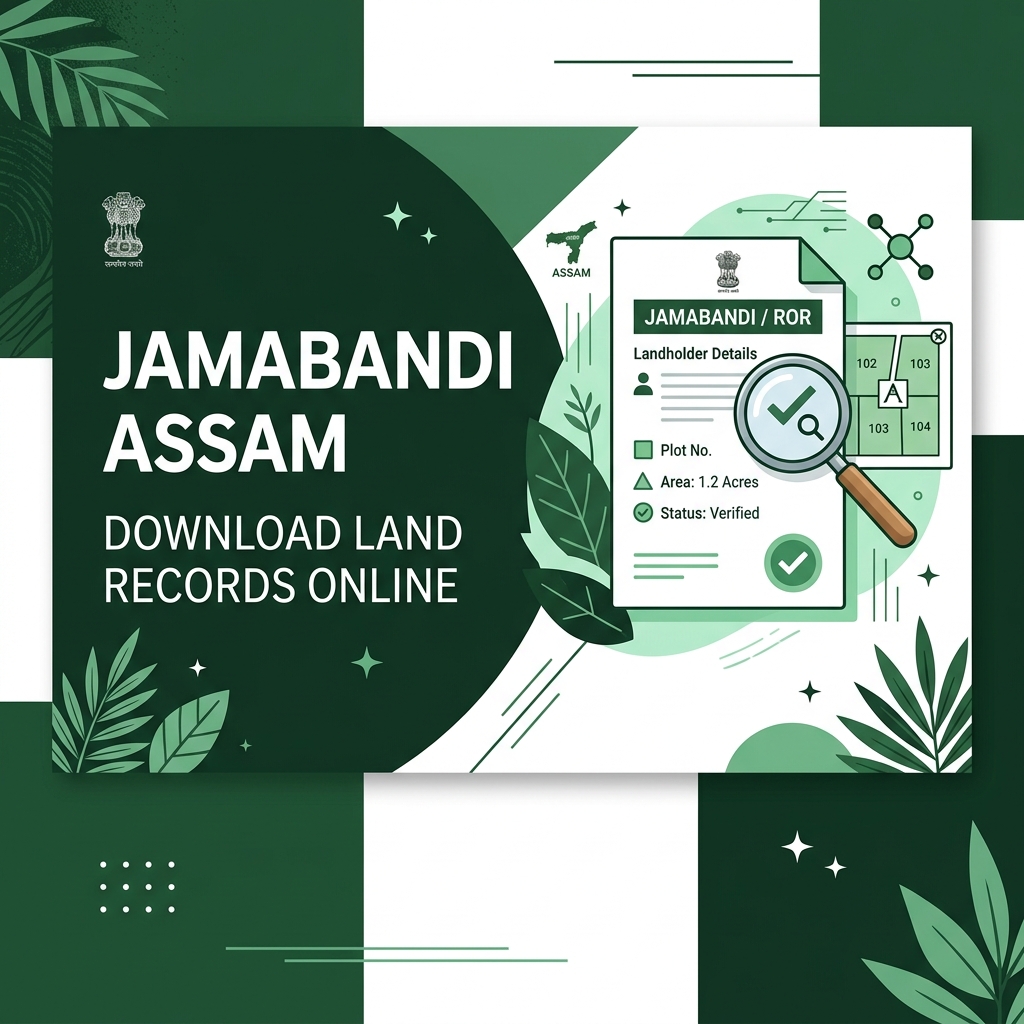
If you own land in Assam, you must know about Jamabandi. Jamabandi is the official Record of Rights (RoR) that proves your land ownership. Earlier, landowners had to visit the revenue circle office and wait in long lines just to get a copy of their Jamabandi. But now, the Assam Government has made it online through the Dharitree portal.
Here, I will explain to you the easiest way to search and download your Jamabandi copy online using your mobile or computer, without paying any extra fees. Let's get started.
What is Jamabandi (Record of Rights)?
Jamabandi, formally known as the Record of Rights (RoR), is a comprehensive legal document maintained by the Revenue and Disaster Management Department of Assam. It is the backbone of land ownership in the state. This document contains a complete history of every land plot including who owns it, how much land they own, what type of land it is (agricultural, residential, forest), and what the tax liabilities are.
The Jamabandi is prepared and updated periodically by Lot Mandals (field-level revenue officers) during official land surveys. It is the primary document used in courts, banks, and government offices to settle disputes and verify land titles. Without a valid Jamabandi, land cannot be officially sold, mortgaged, or inherited in Assam.
What is the Dharitree Portal?
Dharitree is the official land records management system launched by the Revenue and Disaster Management Department of Assam. Through this portal, you can easily view your land maps, check patch details, verify mutation records, and download Jamabandi online. The official URL for Dharitree citizen services is revenueassam.nic.in/dhar/.
The Dharitree system was built as part of the national Digital India initiative to make land records transparent and accessible to every citizen. Before Dharitree, getting a copy of your Jamabandi required you to physically visit the revenue circle office, fill multiple forms, pay fees at a designated counter, and wait for days or even weeks. Now, the same process takes under five minutes on your smartphone.
Requirements to Check Jamabandi Online
Before you start searching for your land records online, make sure you have at least one of these details ready:
- Dag Number: The unique plot number given to your land.
- Patta Number: The lease or land certificate number.
- Pattadar Name: The name of the landowner (as recorded in government books).
If you don't know your Dag or Patta number, you can find them printed on your old land tax (Khajana) receipts. You can also look for these numbers in your registered sale deed (Bikri Kabala) or the original Patta document given by the circle office.
Steps to View & Download Jamabandi Online in Assam
Follow these simple steps to download your land records online:
- First, open your browser and visit the official website: https://revenueassam.nic.in/dhar/.
- On the home page, you will see a text box to enter the Captcha Code shown on your screen. Enter it carefully and click on Proceed.
- Now, a page will open where you have to select your location details:
- Select your District from the list.
- Select your Circle name.
- Select your Mouza / Village name where your land is located.
- After selecting the village, you will see three options to search your land record:
- Search by Dag Number
- Search by Patta Number
- Search by Pattadar Name
- Choose your preferred option. For example, if you choose "Search by Dag Number", enter your land's Dag number in the search box.
- Now, enter the Captcha code again and click on the Search button.
- A list of matching records will appear on your screen. Click on your land entry, and you will see the "View Jamabandi" button. Click on it.
- That's it! Your Jamabandi copy will open on your screen. You can check all details like owner name, land area, shared share, and mutation history.
What Information is Included in a Jamabandi?
When you open your Jamabandi on the Dharitree portal, you will find the following important details:
- Patta Number: Your unique land lease certificate number.
- Dag Number(s): Plot numbers of all land parcels under this Patta.
- Owner Details: Full name of the Pattadar and their father's or husband's name.
- Land Area: Total area in Bigha, Katha, and Lecha.
- Land Classification: Whether the land is Basti (residential), Rupit (wet-field paddy), Faringati (dry crop), or another category.
- Patta Type: Whether it is a Myadi (Periodic) or Eksonia (Annual) lease.
- Share Details: If the land is jointly owned, the exact fractional share of each co-owner.
- Mutation History: A record of all past ownership transfers.
- Annual Tax Amount: The land revenue (Khajana) amount payable to the government per year.
What to do if your village name is not in the list?
If you are searching for your land record but cannot find your village name in the list on Dharitree, it means the land records for your village are not yet digitized, or the digital records are undergoing updates. In such cases, you will have to visit your local revenue circle office (Tahasildar office) and contact the Lot Mandal of your area to get a physical copy of your land records.
The government is actively working to digitize records for all villages across all 35 districts of Assam. If your village is missing, you can also submit a written request to the District Revenue Officer asking for early digitization of your mouza's records.
Common Problems & Troubleshooting
- Captcha not loading: Refresh the page (F5) or try a different browser like Chrome or Firefox. Clearing your browser cookies often helps.
- Village name not found: Records for your village may not be digitized yet. Try searching for nearby villages or visit the circle office directly.
- Jamabandi shows old owner's name: This means mutation (Namjari) has not been done yet. You need to apply for mutation on the Mission Basundhara portal.
- Land area seems incorrect: If the recorded area is different from your sale deed, apply for an area correction under Mission Basundhara.
- Portal is slow or not loading: The Dharitree portal sometimes has high traffic. Try accessing it during early morning hours (6 AM - 9 AM) for faster results.
Pro Tips for Using Dharitree
- Always save your Jamabandi as a PDF by using your browser's print-to-PDF feature. Keep it in a secure cloud folder for future reference.
- Cross-check the land area on Dharitree with your original sale deed. If they differ by more than 10%, consult a revenue advocate.
- The Jamabandi downloaded online is a certified digital copy and is accepted as valid proof at most government offices.
- If you own multiple plots in different villages, search each village separately as Dharitree searches are village-specific.
- Screenshot the URL of your Jamabandi page — it contains your Patta and Dag number embedded, making future searches faster.
Frequently Asked Questions
Q: Is the Jamabandi downloaded from Dharitree legally valid?
The Jamabandi downloaded from the Dharitree portal is a certified digital copy. It is accepted as valid proof at most government offices, banks, and administrative bodies in Assam. However, for court cases, some judges may require a physically certified copy bearing the Circle Officer's signature and stamp.
Q: How often is the Jamabandi data updated on the Dharitree portal?
The Dharitree portal is updated regularly as mutations, partitions, and corrections are approved by the Circle Officer. After a Namjari or area correction is approved online, it typically reflects in the Dharitree database within 7 to 30 working days.
Q: Can I check someone else's land records on Dharitree?
Yes, Dharitree is a public portal. Any citizen can search and view the Jamabandi of any land parcel in Assam by entering the correct Dag number, Patta number, or owner name. This transparency helps prevent fraud and illegal land transactions.
Q: What if my name is spelled wrong in the Jamabandi?
If your name has a spelling error in the Jamabandi, you must apply for a Name Correction under the Mission Basundhara portal at basundhara.assam.gov.in. You will need to upload your Aadhar card, PAN card, and original sale deed as supporting proof.
Q: Is there a mobile app for Dharitree?
Yes, a mobile app called 'Dharitri' is available for Android devices on the Google Play Store. It provides the same land record search features as the website and is optimized for slow internet connections in rural areas.
Q: I paid Khajana but it is not showing in Jamabandi. What should I do?
Khajana payment records and Jamabandi are separate systems. The Jamabandi shows ownership rights, not payment status. Khajana payments are tracked through Sewa Setu receipts. Your Jamabandi will be updated only when a mutation or correction event occurs.
Conclusion
Checking your Jamabandi online through the Dharitree portal is now simple, free, and fast. Whether you need to verify ownership before buying land, check land area and boundaries, or confirm mutation status, Dharitree gives you all the information in seconds. Make it a habit to download your Jamabandi at least once a year to verify that your records are up to date and accurate. Keeping your land records clean and updated protects your ownership rights and prevents future legal complications.
Common Troubleshooting Issues on Dharitree Portal
While the Dharitree portal is a highly useful initiative, users often face technical issues. Here are the most common problems and how to resolve them:
- Captcha Code Not Loading: This usually happens due to heavy server traffic or browser cache issues. Try reloading the page (Ctrl + F5) or open the website in an Incognito window.
- Village Name Missing from the Dropdown: If your village is not listed after selecting the District and Circle, it means the land records for that village have not yet been digitized. You will have to visit your local Circle Office to get a physical copy.
- Server Timeouts or 502 Bad Gateway: During peak hours, the server might crash. It is recommended to access the site early in the morning or late at night when the traffic is low.
Frequently Asked Questions
Q: Is the online copy of Jamabandi legally valid?
A: The online copy downloaded from Dharitree is valid for informational purposes, checking ownership status, and paying land tax. However, for legal disputes, buying/selling transactions, or bank loans, you will need a certified copy physically signed by the Circle Officer or Lot Mandal.
Q: What is the fee for downloading Jamabandi online in Assam?
A: Viewing and downloading the basic Jamabandi details on the Dharitree portal is completely free of charge. No government fee is levied for online viewing.
Q: Can I check Jamabandi using only the Pattadar's name?
A: Yes, the Dharitree portal provides an option to search by Pattadar Name. However, because spelling variations can occur in land records, it is always best to search by Dag or Patta number for 100% accurate results.
Q: What should I do if my name is misspelled in the online Jamabandi?
A: Misspelled names can be corrected by applying online for 'Name Correction in Jamabandi' on the Mission Basundhara portal, or by visiting your local Lot Mandal with your original land deed.
Q: How often is the online Dharitree database updated?
A: The database is updated periodically after circle offices approve land mutations, partitions, or reclassifications. However, propagation from circle servers to the central Dharitree website can take anywhere from a few days to a few weeks.